LEVOLOR InMotion™ Motorized Blinds & Shades
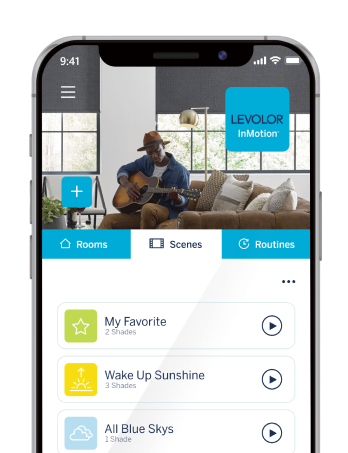
SMART BLINDS, smart home, SIMPLE OPTIONS
Experience smarter light made simple.
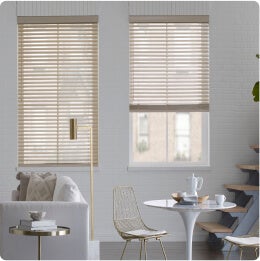
LEVOLOR InMotion gives you powerful options for controlling your custom motorized blinds and shades – from full smart home automation to simple remote convenience. With automated scheduling, voice commands, an intuitive app, and a sleek new remote, you’ll start seeing your daily routines in a whole new light.
Learn More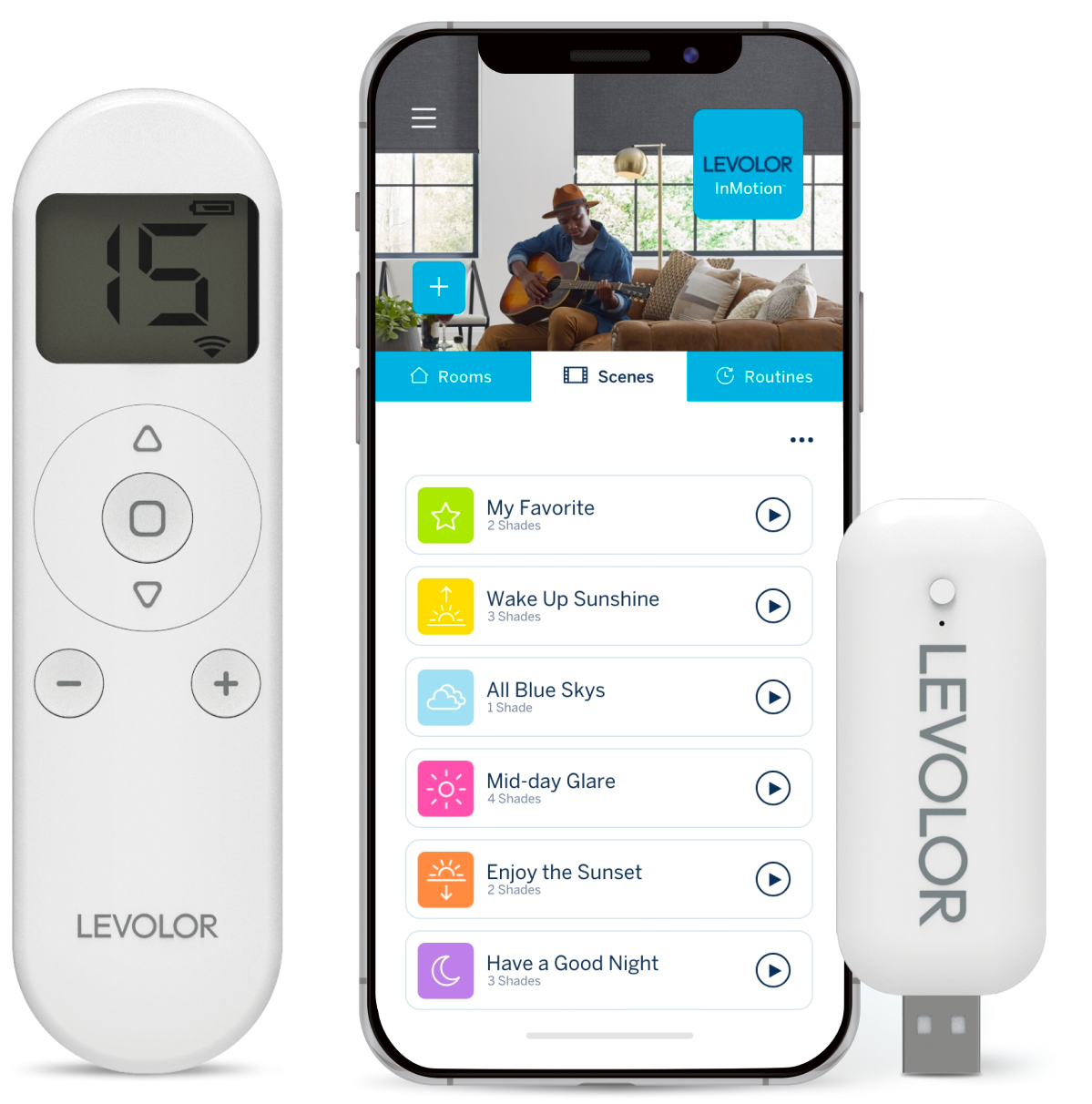

Connect
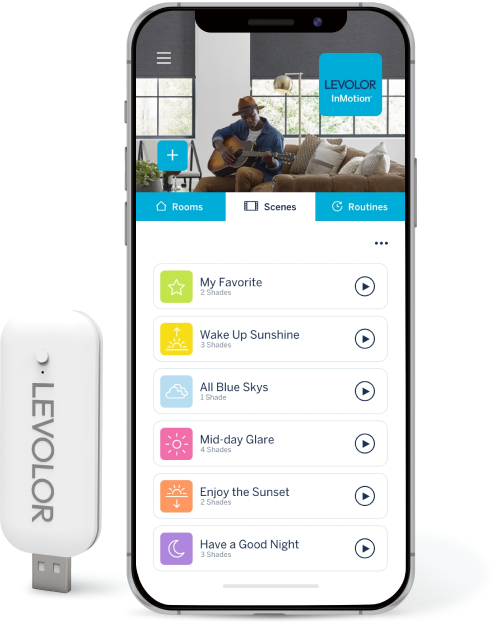
Use WiFi to connect the hub with compatible smart home systems like Amazon Alexa, Google Home, Samsung SmartThings, IFTTT, and Siri.
Customize
For just the right light as you move through your day, use the remote to adjust hard-to-reach motorized blinds or create a routine in the app to shift them automatically.
Vocalize
Ask Alexa to open your shades and let in more sunshine as you curl up to read, or close them for privacy as you sit down for dinner.
Organize
Wherever you are, use the InMotion™ app to set favorite smart blind positions and organize natural lighting around your scheduled activities in any room.



Remote Control
For Simple Control:
Pick Up the Remote
If what you value most is convenience, the new 15-channel remote puts your automatic blinds and motorized shades within easy reach.
- Use fine-tuning to easily adjust smart blinds to exact positions.
- Save your favorite position for each motorized shade.
- Control up to 15 groups of motorized window coverings –all at once or one at a time.


(
(
(

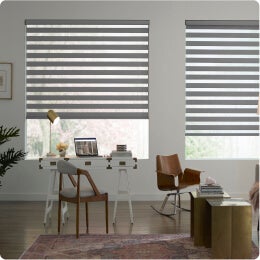
Use channel "0" to control all your shades at the same time.
)
)
)
Smart Blinds and Shades, Custom-Built for Your Control
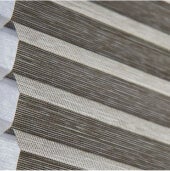
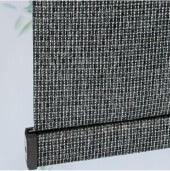
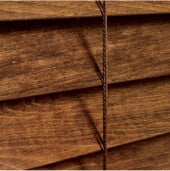
These new InMotion control options – from simple (the 15-channel remote) to total (remote, app, and hub, plus smart home integration) – are available exclusively on custom orders of our most popular motorized blinds and shades.



You’re in Control
Choose the new 15-channel remote for simple, at-home control, or add on the InMotion app and hub to enjoy more advanced features, like control from anywhere, voice activation, and smart home system compatibility.

The new 15-channel remote offers simple convenience at home.
The InMotion app and hub pair together for advanced smart control from anywhere.
