Compare Your Control Options
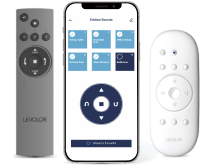
When ordering your motorized blinds and shades, you get to choose how you want to control them: with the new app and hub, with the 15-channel remote, or with everything combined AND paired to your smart home device (sold separately).
For Full Control
The LEVOLOR InMotion app and hub work seamlessly together to sync motorized window treatments with smart home technology, activating through voice command and automation, at home or on-the-go. Compatible with Amazon Alexa, Google Home, Samsung SmartThings, IFTTT, and Siri.
Everyday Convenience
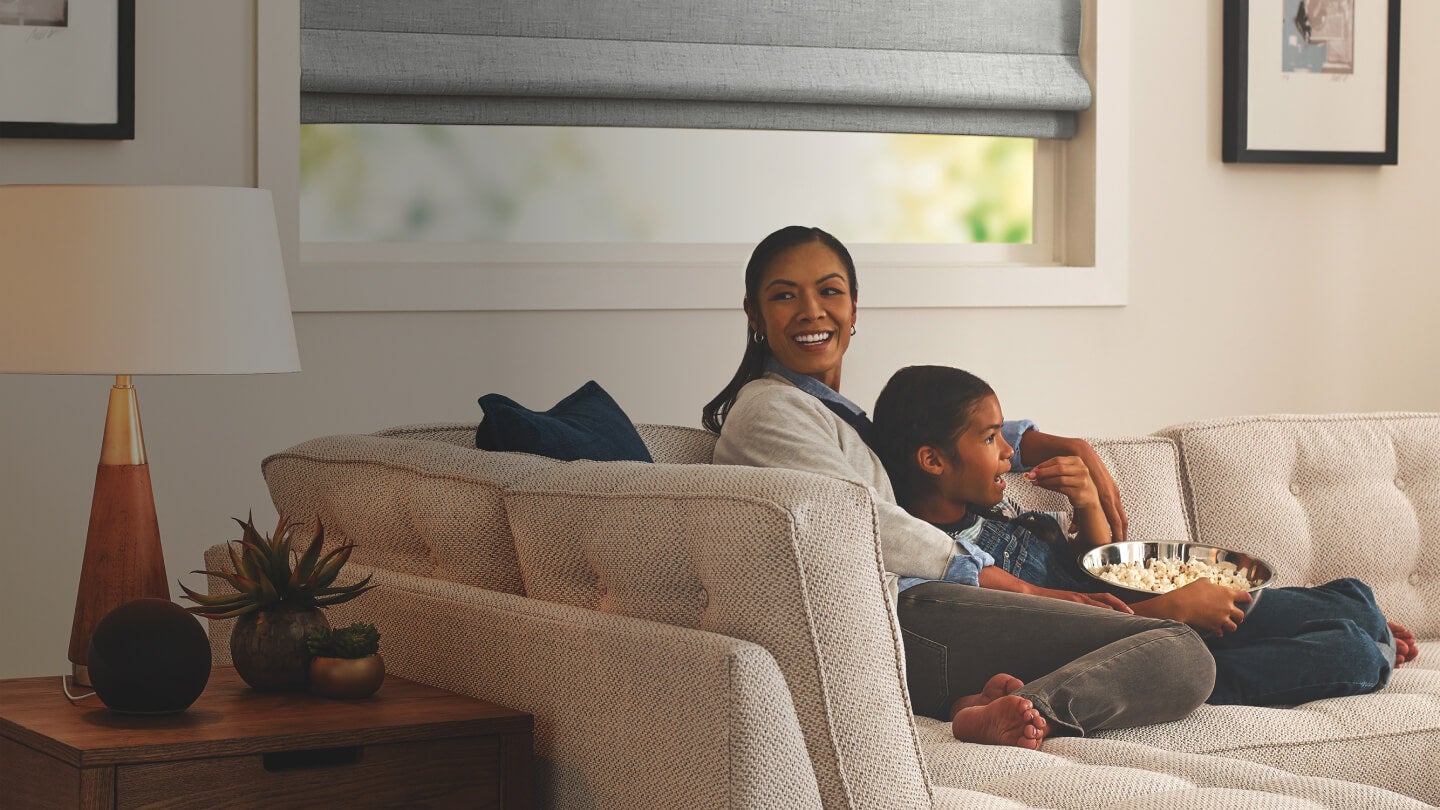
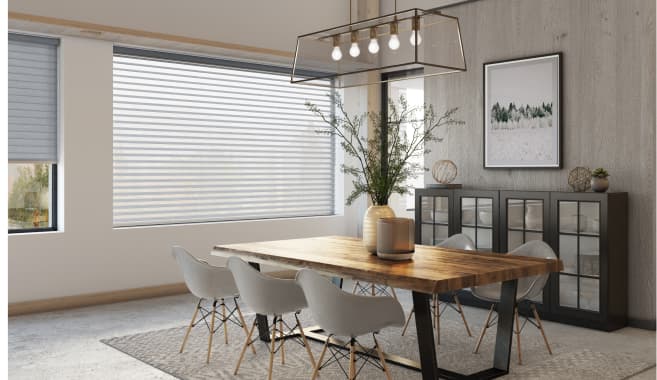
Organize Your Smart Shades by Rooms
The technology that powers the InMotion app may be complex, but using it is not: Group your shades by rooms because that’s where the need for smart light starts – inside the rooms where your daily life unfolds.
Effortless light
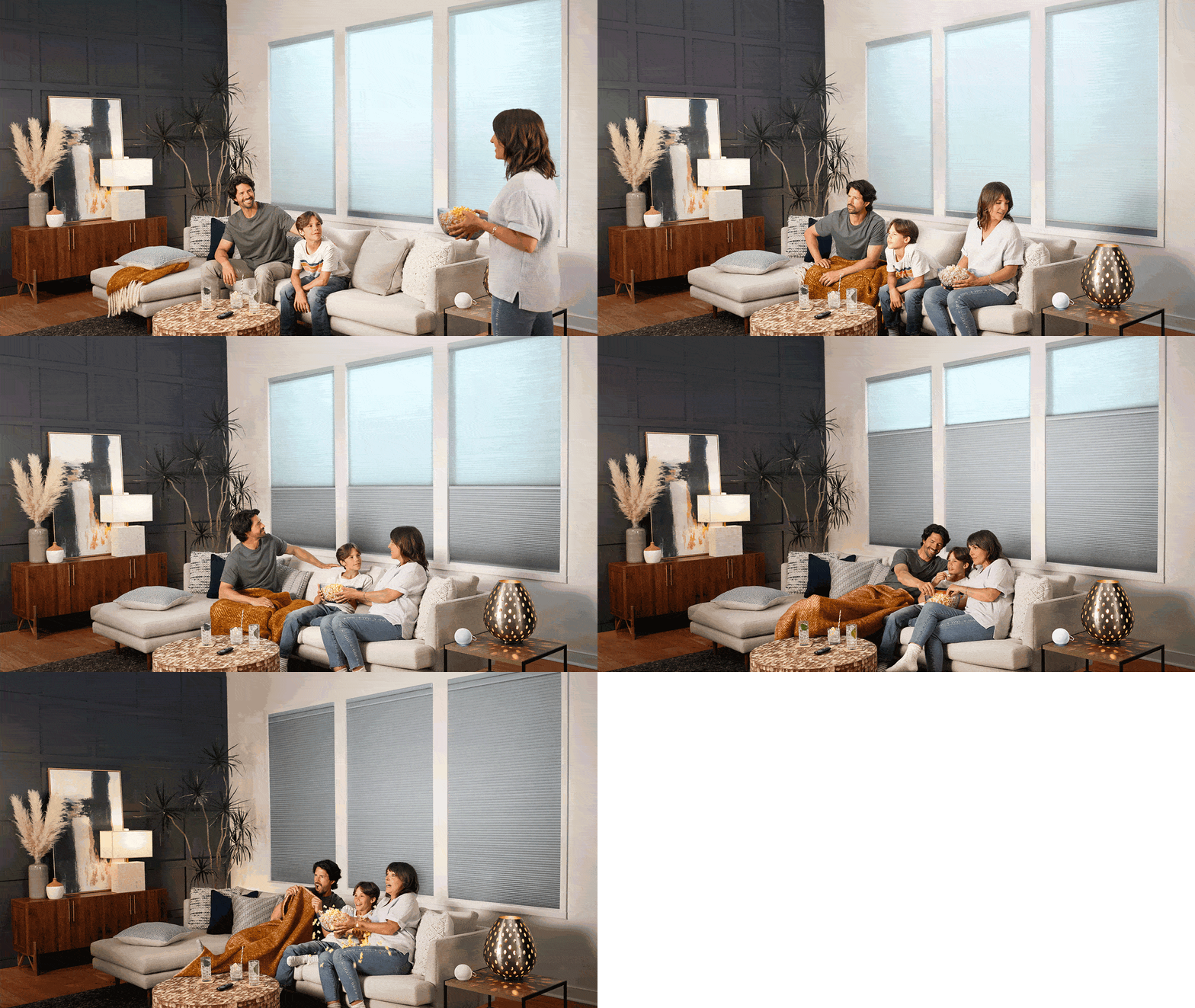
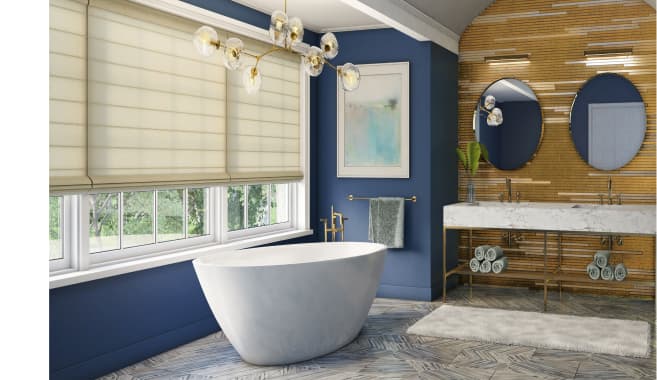
Create Scenes to Fit Your Moods
From waking up each morning to ensuring peace of mind each night, achieve the perfect level of light and privacy with the touch of a button.
Intuitive control
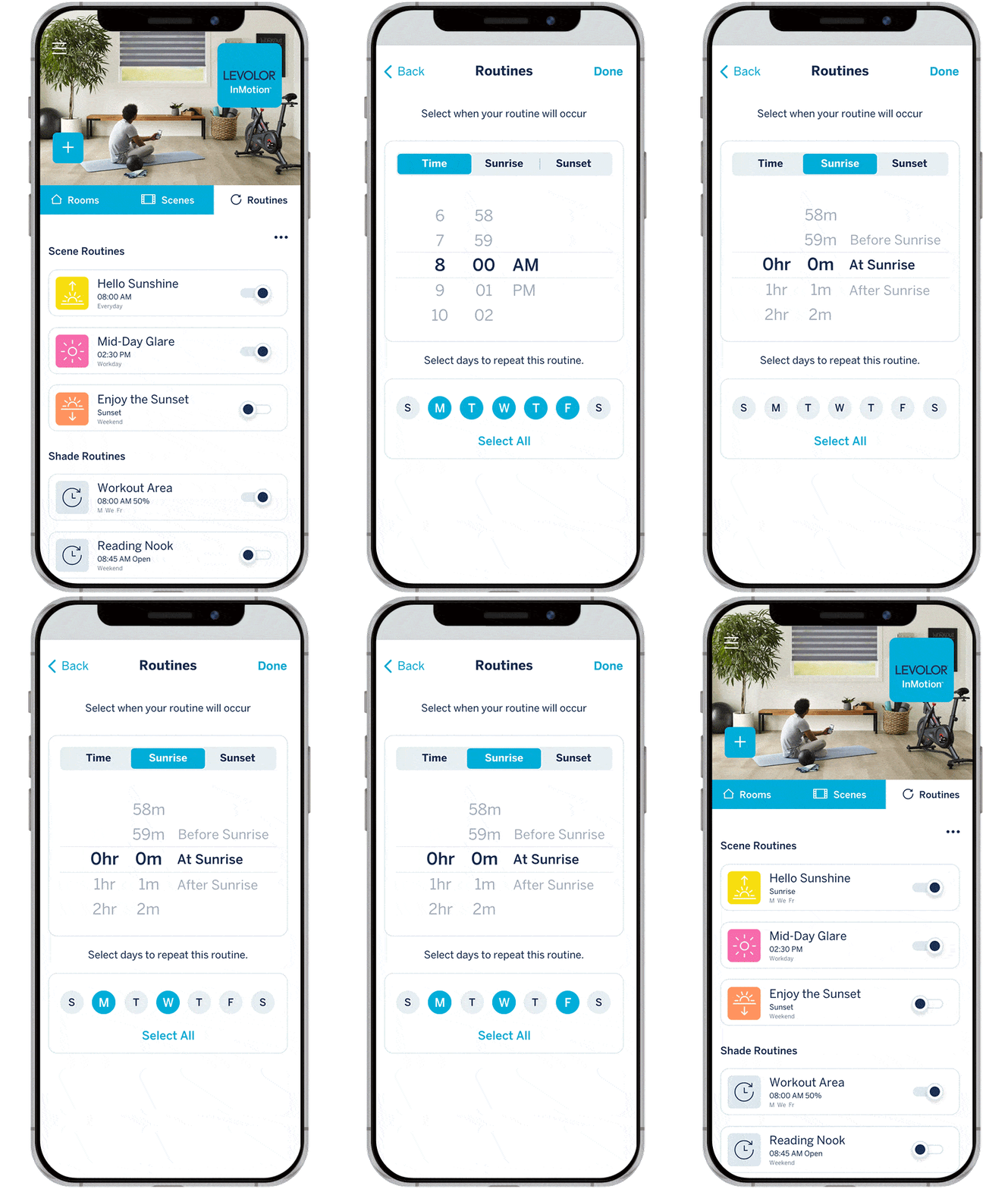
Use Routines to Coordinate Your Light
Easily schedule your motorized window shades to match your routines, like helping you transition into work mode as you settle into your desk chair each weekday.
A Powerful Combination
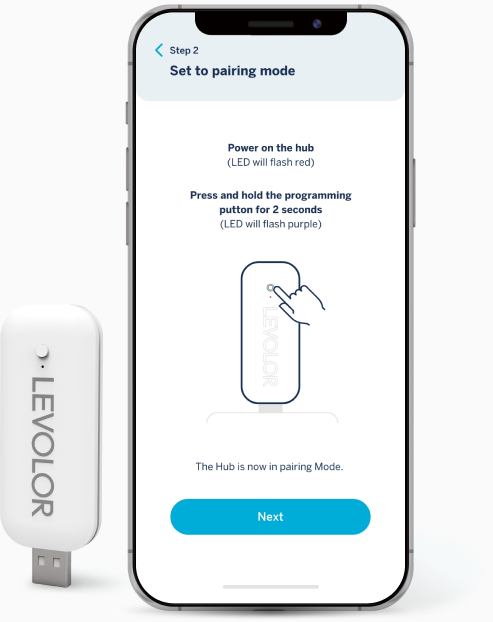
An essential piece of the InMotion solution, the hub connects your devices and gets them talking. It serves as the bridge that carries your instructions from the app to your motorized blinds and shades.
Simple to Pair
Uses your home Wi-Fi to link compatible (smart home) devices.
Simple to Connect
Integrates with all your favorite smart home systems. Compatible with Amazon Alexa, Google Home, Samsung SmartThings, IFTTT, and Siri.
Simple to Maintain
Over-the-air firmware updates keep up with your blinds/shades so you don’t have to.

InMotion App + Hub vs. Remote

It's your light, and your daily life. How do you want to control it?

InMotion App + Hub

InMotion App + Hub

Connect with Amazon Alexa, Google Home, Samsung SmartThings, IFTTT, and Siri

Control blinds and shades while at home or on-the-go/from anywhere

Create scenes to quickly move shades to your most used positions

Set routines to schedule shades or scenes based on time of day, day of week, and proximity to sunrise or sunset

Share shades with additional users

Remote

Remote

Use up to 15 channels to organize blinds and shades. Hide unused channels for quick remote navigation.

Send shade to a favorite position with the touch of a button.

Control channels individually or all together.
For questions about the legacy LEVOLOR motorization app and remotes (purchased prior to 08/2022), see Support Resources.

Smart Blinds and Shades, Custom-Built for Your Control

These new InMotion control options – from simple (the 15-channel remote) to total (remote, app, and hub, plus smart home integration) – are available exclusively on custom orders of our most popular motorized blinds and shades.
Simply smarter light, customized by you
Take control of your light: Start designing your custom smart shades today
Design Your Motorized Blinds Now